
Veeam Repository Configuration
For my Lab, i was in the lucky postion last year to got some awesome old Hardware HPE ProLiant DL380p Gen 8 etc. and with that I was able to build a awesome small Lab.
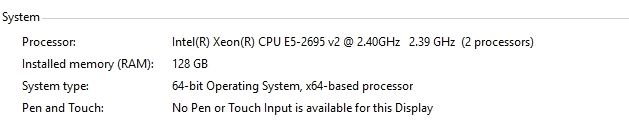

On this Server I’ve Windows Server 2016 running and as you can see under X: I’ve configured the Veeam-Repo. Here is as well Deduplication configured (I like dedup! ;))

How do you configure your Veeam-Repo? Do you know the awesome https://www.veeambp.com/ site? There are so many great tips and tricks. I’ve as well an external Server for my offsite Backups here, I’ve an Windows Server 2019 with REFS and 64 KB allocation unit size as well configured with Dedup.

How do you configure your Veeam-Repos?