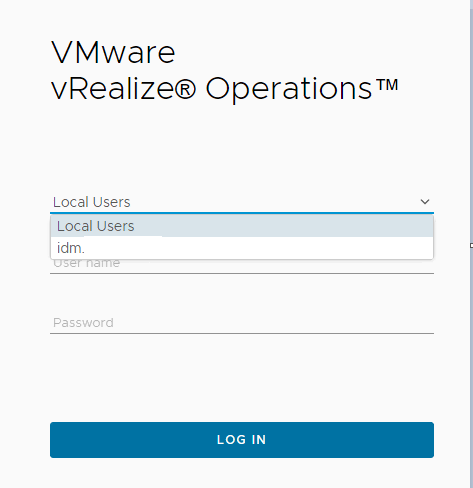
VMware vROps 8.6 Hide vCenter Authentication
VMware vROps 8.6 Hide vCenter Authentication
Short hint, when you are configuring VMware vRealize Operations and have as example VMware Identiy Manager in Place or you don’t want that vCenter Users can authenticate directly to the vROps.
When you want to disable this out-of-the box function because you use Role Based Access or IDM as example as the only source of trust here you go:
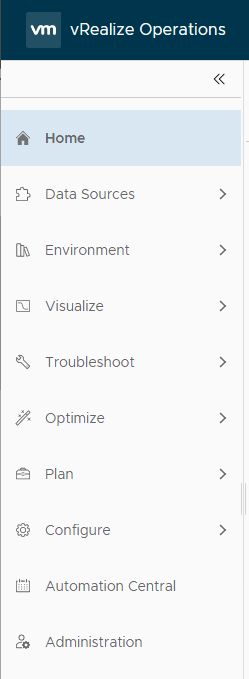
Login to the vROps and on the left pane under Administration
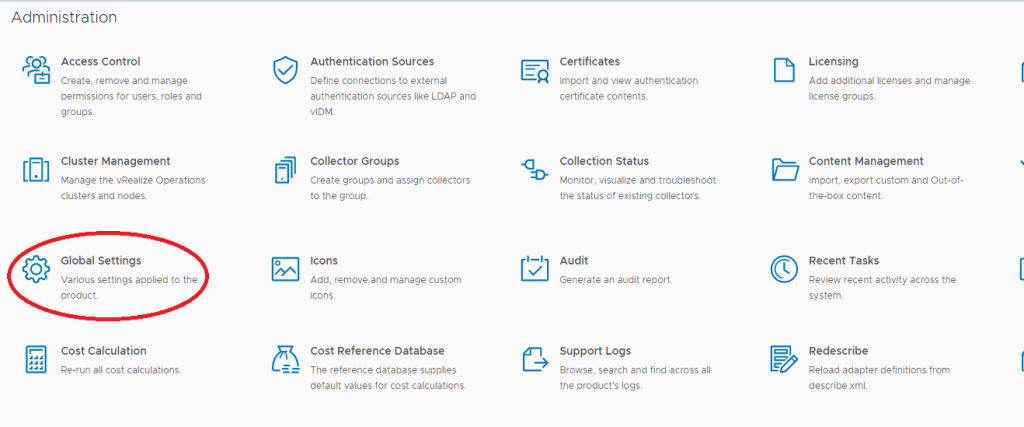
Disable the following two User Access settings and you are good to go
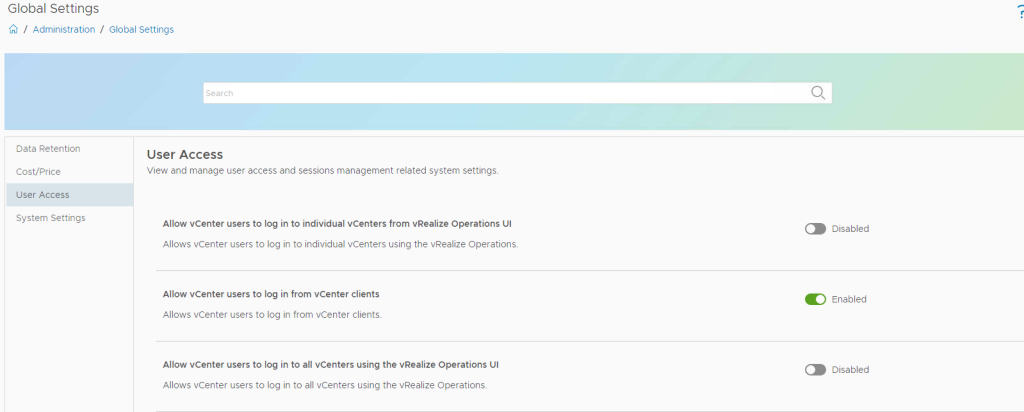
after this changes it will looks like this: